
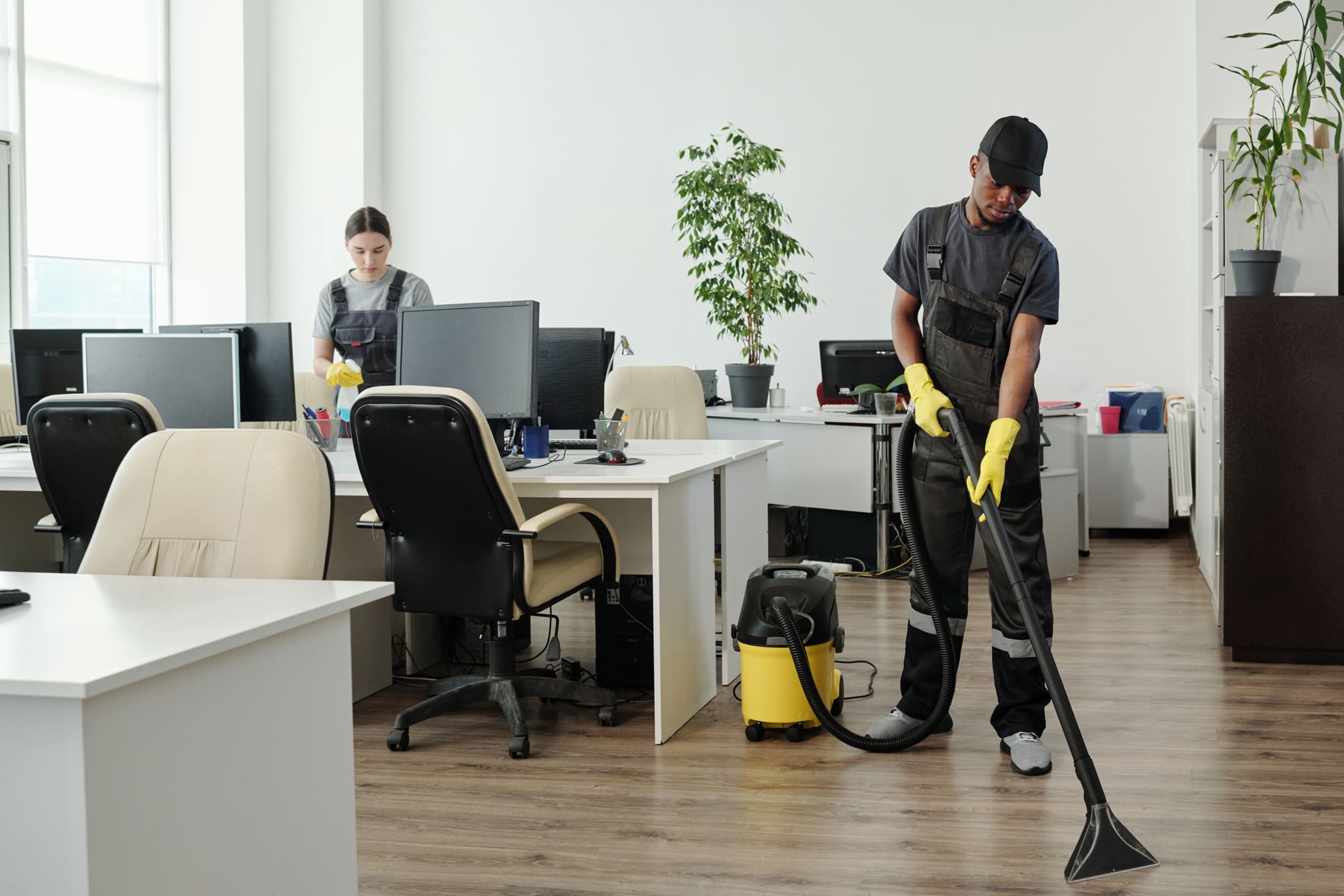

In any modern workplace, shared office equipment is essential for daily operations. From printers and phones to keyboards and conference room tech, these tools are used by multiple people — and they can quickly become hotspots for germs, grime, and wear if not properly maintained.
For offices in Charlotte, NC, implementing a routine for cleaning and sanitizing shared office equipment is critical for both health and productivity. It not only helps prevent the spread of illness but also protects the longevity and performance of expensive devices.
Why It Matters
- Bacteria and viruses can live on surfaces like phones, touchscreens, and keyboards for hours — even days
- Employees often eat at their desks, leading to buildup of crumbs, oil, and residue
- Without regular cleaning, dust and dirt can clog vents or damage internal components
- Clean equipment enhances your office’s professional appearance and reduces service calls or replacements
Most Common Shared Office Items That Require Cleaning
- Telephones and conference phones
- Keyboards and mice
- Printers, copiers, and fax machines
- Touchscreens (check-in kiosks, digital boards)
- Elevator and security access panels
- Shared laptops, tablets, and chargers
- Breakroom appliances (microwaves, coffee machines, water dispensers)
Cleaning vs. Sanitizing: Know the Difference
- Cleaning removes dirt, dust, and debris from surfaces
- Sanitizing uses disinfectant solutions to kill germs and bacteria
Both steps are necessary. You must clean first — then sanitize — for proper infection control.
Best Practices for Cleaning Shared Equipment
1. Use Approved Disinfectants
Choose alcohol-based wipes or sprays with at least 70% isopropyl alcohol. These are safe for electronics and effective against bacteria and viruses.
2. Turn Off and Unplug Devices First
Always power down equipment and disconnect from outlets before cleaning to avoid damage or shock.
3. Avoid Spraying Liquids Directly
Spray onto a microfiber cloth first, never directly onto keyboards, screens, or ports.
4. Pay Special Attention to High-Touch Zones
Buttons, phone receivers, trackpads, and touchscreen edges are frequently touched and should be cleaned multiple times per day if used heavily.
5. Post a Cleaning Schedule or Reminders
Let staff know who is responsible for cleaning — or provide disinfectant stations for individual use between shifts.
Frequency Guidelines
- Daily: Phones, keyboards, shared desks, copier buttons
- Weekly: Computer monitors, device charging stations, conference room remotes
- Monthly: Behind equipment, power cords, filters, fans
Partnering with a Professional Cleaning Team
At Commercial Cleaning Masters, we serve professional offices throughout Charlotte with:
- Daily and weekly disinfection of office equipment
- Safe cleaning methods for electronics
- On-site staff training for equipment care
- Flexible evening and weekend service
- Documentation for compliance or inspections
Final Thoughts
Shared equipment helps teams collaborate — but it also requires care. A proper cleaning and sanitizing routine protects your staff, extends the life of your equipment, and keeps your office running without interruption.
Let Commercial Cleaning Masters keep your workspace safe, efficient, and spotless — down to the last keyboard.